

Introduction
garage door remote not working but wall button works, it can be frustrating and confusing. The good news is that this usually points to an issue with the remote or its signal, not the garage door opener itself. In this guide, we’ll cover the common causes and quick fixes to get your remote working again.
Need help choosing the right opener?
Check out our guide on Garage Door Opener Types to find the best fit for your home.
Why Your Garage Door Remote Is Not Working But the Wall Button Works
If your garage door remote is not working but the wall button works, it usually means the garage door opener itself is working properly. The wall button is directly connected to the opener, so if it operates the door, the motor and power supply are not the problem.
In most cases, the issue is related to the remote or its signal. A dead battery, lost programming, signal interference, or a damaged remote can stop it from communicating with the opener. Sometimes, the lock mode on the wall control may also disable remote controls.
So when your garage door remote is not working but the wall button works, the problem is usually with the remote, its battery, or the signal, not the garage door opener.
Curious about opener lifespan?
Learn how long your opener should last and when to replace it in Garage Door Opener Lifespan Guide
Dead or Weak Remote Batteries
A dead or weak battery is one of the most common reasons a garage door remote is not working but a wall button works. When the battery is low, the remote cannot send a strong signal to the opener.
Replace the remote battery with a new one and test it again. In many cases, this simple fix solves the problem quickly.
Remote Needs Reprogramming
Another reason for a garage door remote not working but a wall button working is that the remote may have lost its programming. This can happen after a power outage, battery replacement, or system reset.
To fix this, simply reprogram the remote to the garage door opener using the learn button on the opener unit. Once reprogrammed, the remote should work normally again.
Wondering about motor options?
Explore different garage door opener motors and their benefits in Garage Door Opener Motor Types.
Remote Signal Is Being Blocked
Signal disruption can sometimes explain why the garage door remote fails to operate the door while the wall switch still works. Electronics such as Wi-Fi routers, LED bulbs, or other nearby devices may interfere with or weaken the signal sent by the remote.
Test the remote from a shorter distance to the opener. If the door responds when you are closer, the problem is likely related to signal range or interference. Moving or eliminating nearby electronic devices can often restore proper remote performance.
Wondering which drive system is best?
Read our Belt Drive vs Chain Drive Garage Door Openers guide for a quick comparison.
Remote Control Is Damaged
A damaged remote can also cause a garage door remote not working but a wall button working issue. If the remote has been dropped, exposed to water, or has worn-out buttons, it may stop sending a signal to the opener.
Try using another remote if available. If the other remote works, the original remote is likely faulty and may need to be replaced.
Planning your budget?
See the Average Cost of a Garage Door Opener to make an informed decision.
Lock Mode Is Enabled on the Wall Control
Another reason for a garage door remote not working but a wall button working is that lock mode (vacation mode) is enabled on the wall control. This feature disables all remote controls for security while still allowing the wall button to operate the door.
Check the wall control panel and turn off the lock mode. Once disabled, the remote should start working again.
Not sure which drive system to choose?
Compare Belt Drive vs Chain Drive Garage Door Openers to see which works best for your home.
Antenna on the Garage Door Opener Is Damaged
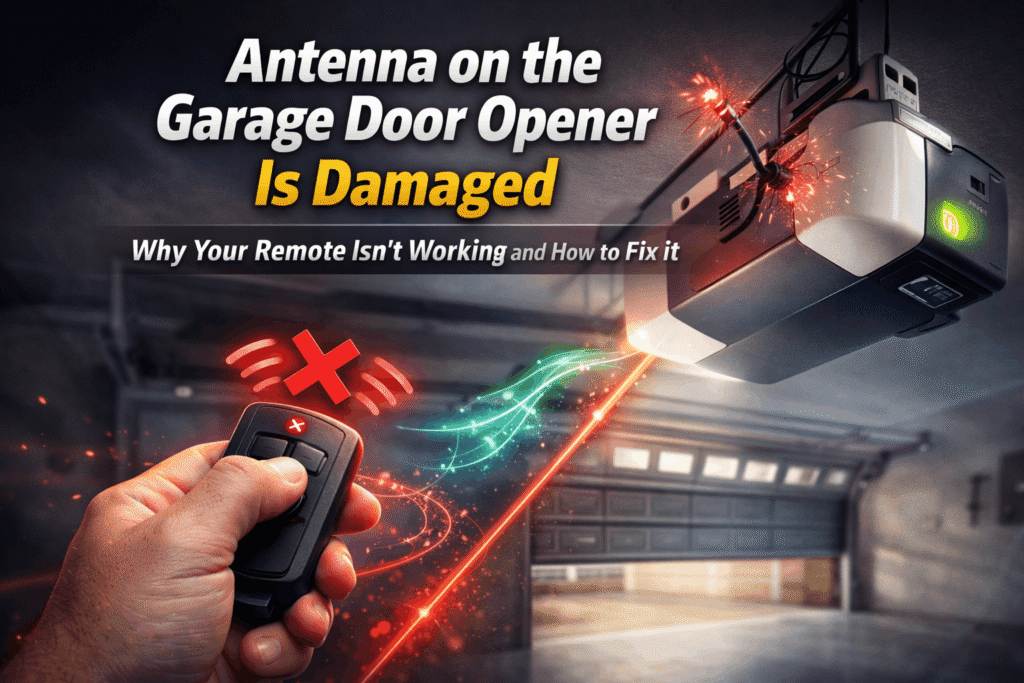
A damaged or blocked antenna can also cause a garage door remote not working but a wall button working problem. The antenna helps the opener receive signals from the remote.
Inspect the antenna on your garage door opener to ensure it is properly positioned and not damaged. If it is bent, loose, or hidden behind objects, the remote signal may not reach the opener properly. Straightening or repositioning the antenna may fix the issue.
Remote is out of range.
A common reason for a garage door remote not working but a wall button working is that the remote is too far from the opener. Most remotes have a limited range, and walls or other obstacles can reduce it further.
Move closer to the garage door opener and try again. If it works nearby, the issue is simply that the remote is out of range.
Looking for cost insights?
See the Average Cost of a Garage Door Opener to plan your budget effectively.
Garage Door Opener Receiver Problem
A faulty opener receiver can cause a garage door remote not to work but a wall button to work issue. If the receiver inside the opener cannot pick up the remote signal, the door won’t respond.
Check if other remotes work. If none work, the opener’s receiver may need repair or replacement.
Quick Troubleshooting Checklist
| Issue | Action |
|---|---|
| Dead or weak battery | Replace the remote battery. |
| Lost programming | Reprogram the remote with the garage door opener. |
| Lock mode enabled | Turn off lock/vacation mode on the wall control. |
| Damaged or blocked antenna | Straighten or reposition the opener antenna. |
| Remote out of range | Move closer to the garage door opener and test. |
| Faulty remote | Test another remote to see if replacement is needed. |
When to Replace Your Garage Door Remote
You should consider replacing your remote if your garage door remote is not working but the wall button works and
- The remote is physically damaged, or buttons are worn out.
- New batteries and reprogramming do not fix the issue.
- The remote is outdated or incompatible with your opener.
A new remote ensures reliable operation and solves most signal-related problems.
When to Call a Garage Door Professional
Call a professional if your garage door remote is not working but the wall button works and the problem persists after trying all basic fixes.
Situations to call a pro include:
- Opener receiver issues that need repair or replacement.
- Electrical or wiring problems inside the opener.
- Persistent signal or interference issues that you can’t resolve.
A technician can quickly diagnose and fix problems safely.
Conclusion
If your garage door remote is not working but the wall button works, the opener itself is usually fine. The issue is most often due to dead batteries, lost programming, signal interference, or a damaged remote.
Start with simple fixes like replacing the battery, reprogramming the remote, and checking the lock mode or antenna. If the problem persists, consider replacing the remote or calling a garage door professional for help.
Need help picking the right opener?
Explore Garage Door Opener Types for a detailed comp
FAQs
Why is my garage door remote not working but the wall button works?
This usually means the opener is fine, and the issue is with the remote, battery, programming, signal, or receiver.
How do I fix a garage door remote that lost its programming?
Reprogram the remote using the learn button on your garage door opener.
Can a weak battery cause this issue?
Yes, a dead or weak battery is one of the most common reasons a remote stops working.
Could signal interference be the problem?
Yes, electronics, walls, or distance can block the remote signal, even if the wall button works.